
Hearing Care
Tinnitus Frequency Matcher — Find Your Tone
Identify the exact pitch of your tinnitus by matching it with a precise tone. Save frequencies, track changes over time, and bring data to your doctor.
Free online tool · Works on mobile · No signup
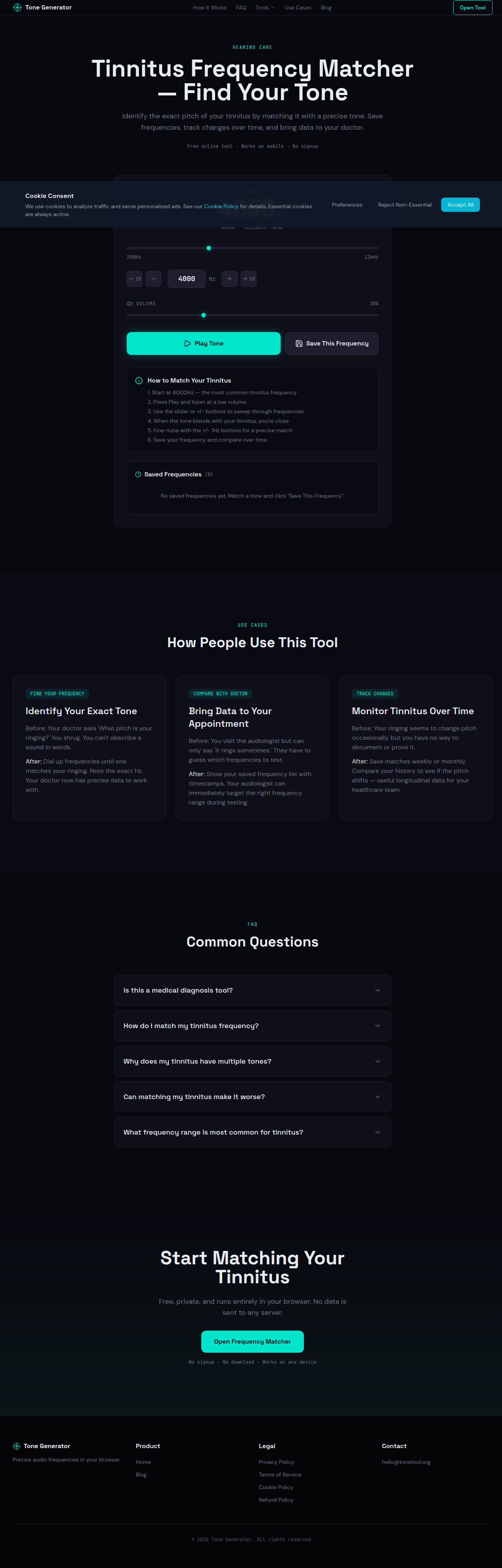
Frequency
200Hz — 12,000Hz range
How to Match Your Tinnitus
- Start at 4000Hz — the most common tinnitus frequency
- Press Play and listen at a low volume
- Use the slider or +/- buttons to sweep through frequencies
- When the tone blends with your tinnitus, you're close
- Fine-tune with the +/- 1Hz buttons for a precise match
- Save your frequency and compare over time
Saved Frequencies
(0)No saved frequencies yet. Match a tone and click "Save This Frequency".
Use Cases
How People Use This Tool
Identify Your Exact Tone
Before: Your doctor asks 'What pitch is your ringing?' You shrug. You can't describe a sound in words.
After: Dial up frequencies until one matches your ringing. Note the exact Hz. Your doctor now has precise data to work with.
Bring Data to Your Appointment
Before: You visit the audiologist but can only say 'it rings sometimes.' They have to guess which frequencies to test.
After: Show your saved frequency list with timestamps. Your audiologist can immediately target the right frequency range during testing.
Monitor Tinnitus Over Time
Before: Your ringing seems to change pitch occasionally, but you have no way to document or prove it.
After: Save matches weekly or monthly. Compare your history to see if the pitch shifts — useful longitudinal data for your healthcare team.
FAQ
Common Questions
Start Matching Your Tinnitus
Free, private, and runs entirely in your browser. No data is sent to any server.
Open Frequency MatcherNo signup · No download · Works on any device