
Audio Testing
Headphone Test — Check Left/Right Balance
Verify your headphones are properly balanced. Test stereo separation, frequency response, and channel balance in seconds.
Free online tool · Works on mobile · No signup
How to Test
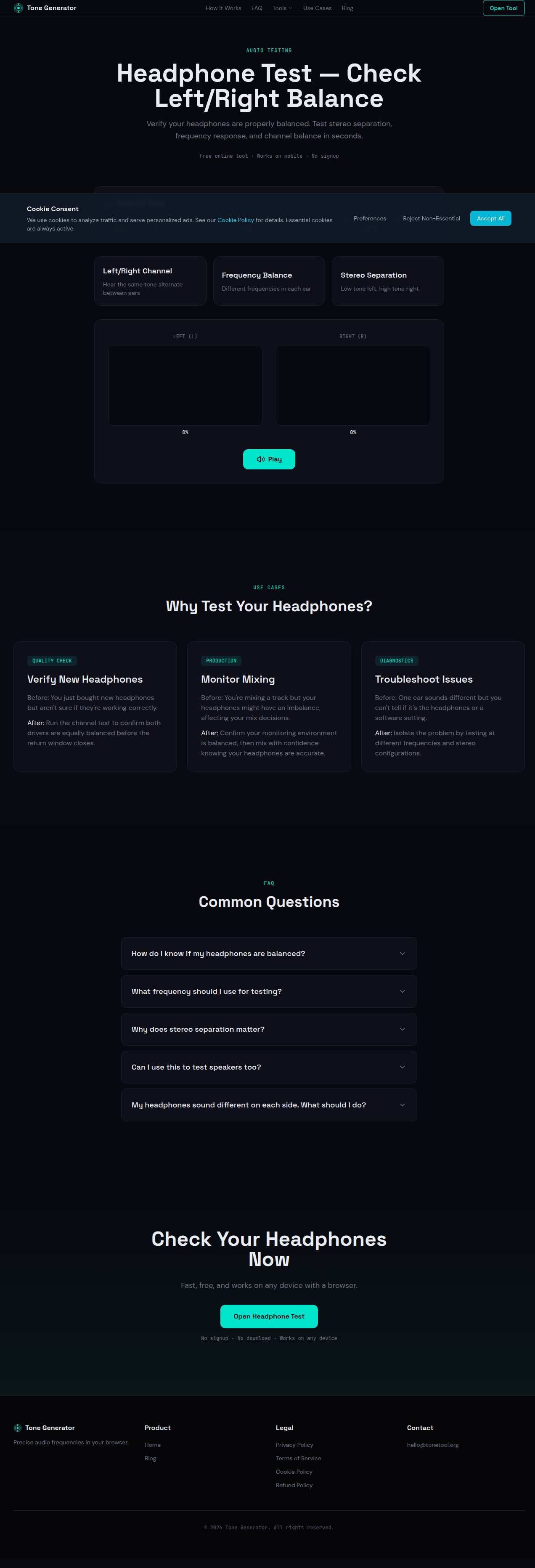
Put on your headphones and find a quiet environment
Select a test mode below and press Play
Listen carefully and watch the volume indicators
LEFT (L)
0%
RIGHT (R)
0%
Use Cases
Why Test Your Headphones?
Verify New Headphones
Before: You just bought new headphones but aren't sure if they're working correctly.
After: Run the channel test to confirm both drivers are equally balanced before the return window closes.
Monitor Mixing
Before: You're mixing a track but your headphones might have an imbalance, affecting your mix decisions.
After: Confirm your monitoring environment is balanced, then mix with confidence knowing your headphones are accurate.
Troubleshoot Issues
Before: One ear sounds different but you can't tell if it's the headphones or a software setting.
After: Isolate the problem by testing at different frequencies and stereo configurations.
FAQ
Common Questions
How do I know if my headphones are balanced?
What frequency should I use for testing?
Why does stereo separation matter?
Can I use this to test speakers too?
My headphones sound different on each side. What should I do?
Check Your Headphones Now
Fast, free, and works on any device with a browser.
Open Headphone TestNo signup · No download · Works on any device