
Audio Testing
Sweep Through Any Frequency Range
Find resonances, test speaker response, and identify audio dead spots. From 20Hz to 20kHz.
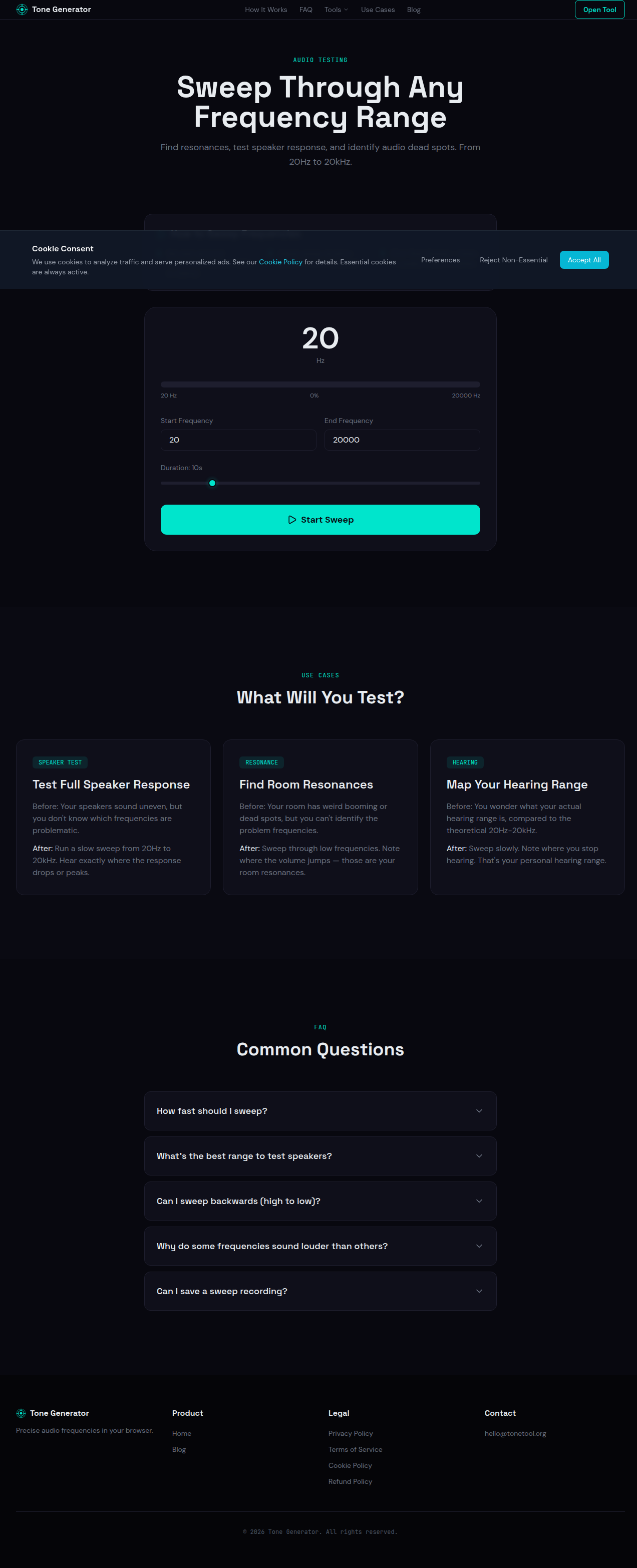
How to Sweep Frequencies
Set start and end frequencies (default: 20Hz to 20kHz)
Adjust sweep duration (slower = more detailed)
Click 'Start Sweep' — listen for peaks, drops, or rattles
Use Cases
What Will You Test?
Test Full Speaker Response
Before: Your speakers sound uneven, but you don't know which frequencies are problematic.
After: Run a slow sweep from 20Hz to 20kHz. Hear exactly where the response drops or peaks.
Find Room Resonances
Before: Your room has weird booming or dead spots, but you can't identify the problem frequencies.
After: Sweep through low frequencies. Note where the volume jumps — those are your room resonances.
Map Your Hearing Range
Before: You wonder what your actual hearing range is, compared to the theoretical 20Hz-20kHz.
After: Sweep slowly. Note where you stop hearing. That's your personal hearing range.
FAQ